GitDown
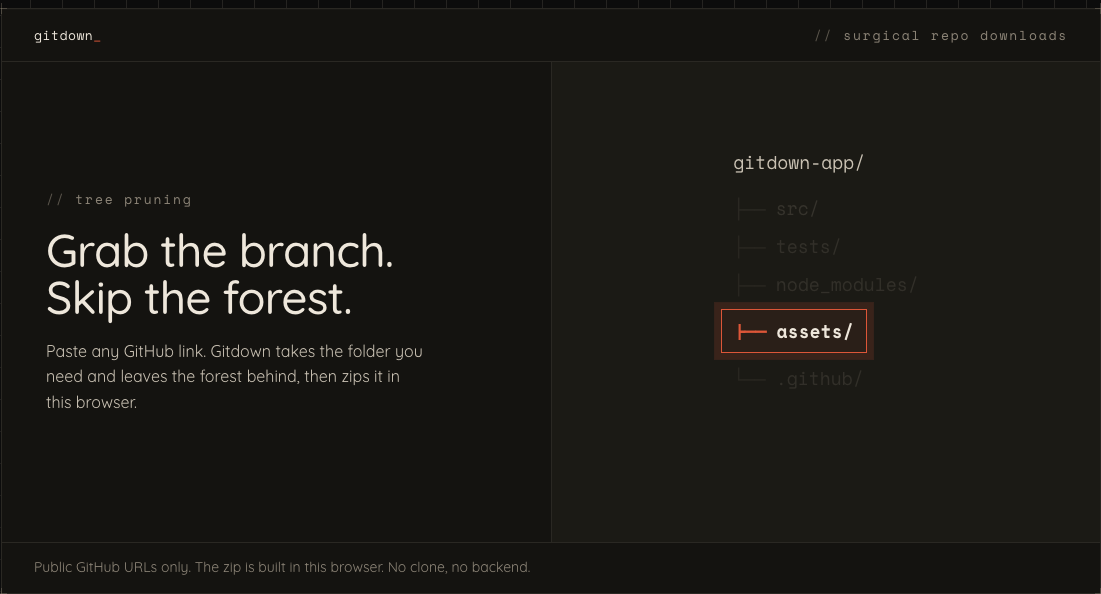
A client-side tool for turning public GitHub file and directory URLs into zip downloads or shareable one-click download links. Includes a companion browser extension for downloading directly from GitHub tabs.
- { key: 'role' }
- Creator & maintainer
- { key: 'atmosphere' }
- Open source & utility-first
- { key: 'technology' }
- React, TypeScript, Vite, JSZip, WXT
GitDown: turn a GitHub link into a download
GitDown is a client-side utility for grabbing a public GitHub file or directory as a zip, then sharing that exact download as a link someone else can use. Paste a GitHub URL, choose your download, and move on with your day (because downloading three files should not feel like filing taxes). Source code and releases live on GitHub: taylorsegell/TheGitDown.
Challenge
GitHub makes it easy to browse a repository, but pulling down one useful directory is still more ceremony than it needs to be. GitDown set out to:
- Download a public file or nested directory without cloning an entire repository
- Preserve sensible zip names and root-folder behavior
- Generate shareable links that carry the selected GitHub URL and download settings
- Keep the whole experience client-side, with no account or service sitting in the middle
- Bring the same utility into the browser through a companion extension
Solution
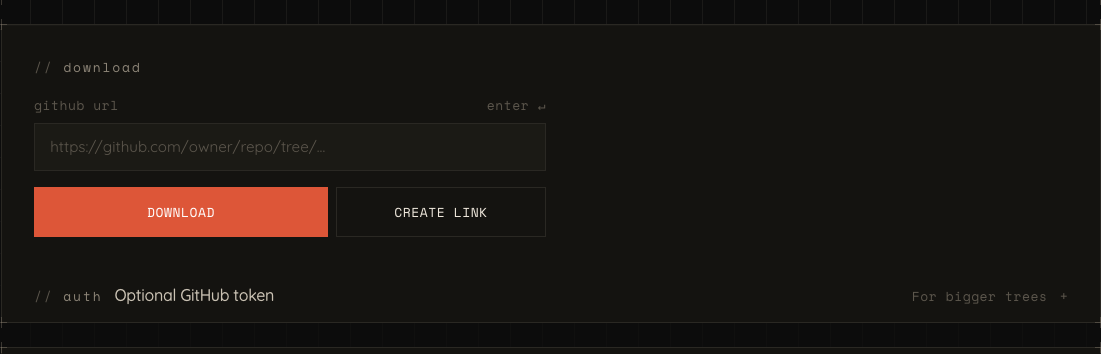
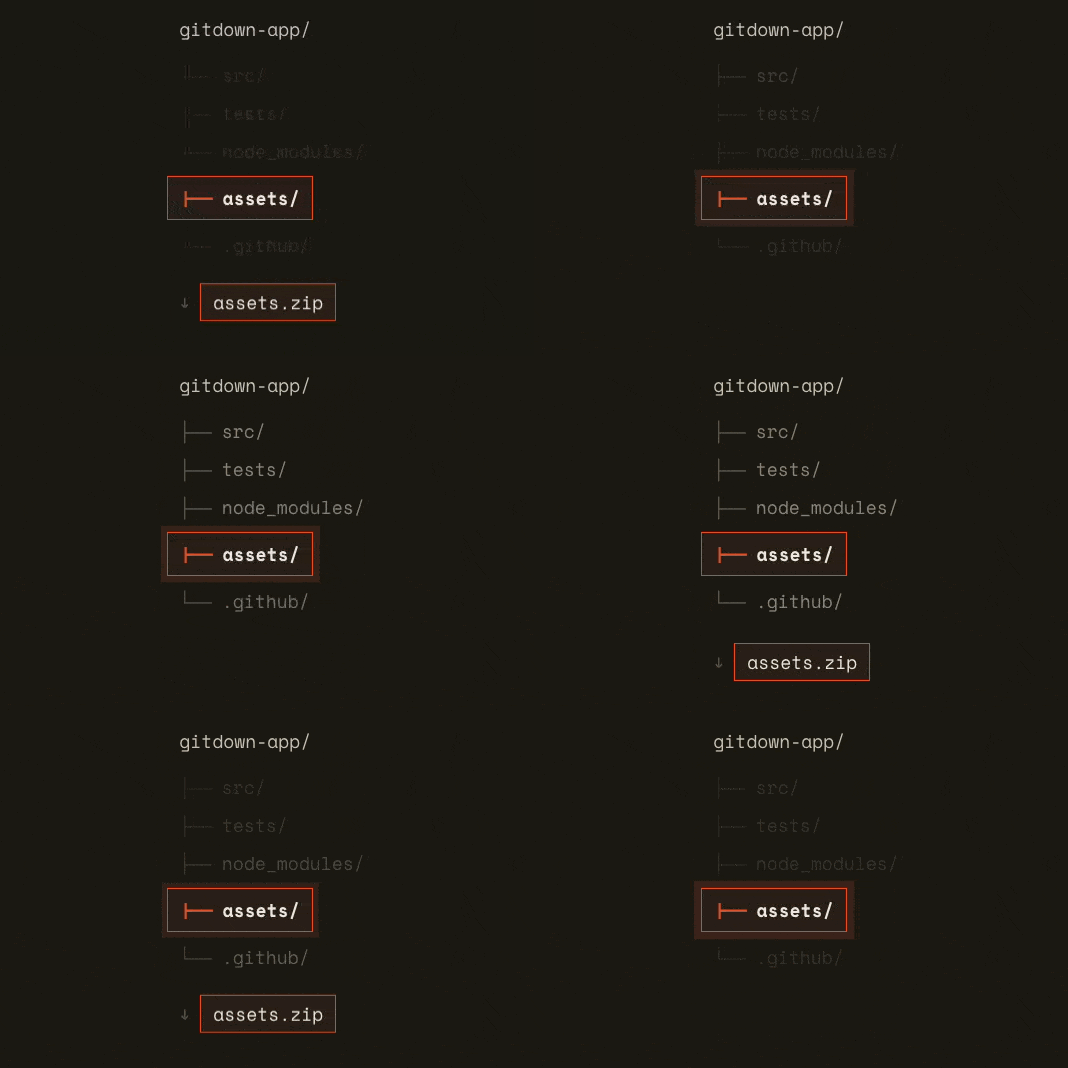
GitDown treats a public GitHub URL as the starting point, not an obstacle. The web app parses the URL, resolves the branch when necessary, walks a directory through GitHub's Contents API, and builds a zip in the browser.
For whole repositories, it uses GitHub's archive download rather than rebuilding a wheel GitHub already ships. For files and subdirectories, it fetches the needed blobs and packages only what the user asked for. Simple rule: take the shortest path that still does the job.
Implementation
How the pieces fit together:
- URL parsing: Shared core logic recognizes GitHub repository, file, and directory URLs, then extracts the owner, repository, ref, and path.
- Reference resolution: When a URL does not name a branch, GitDown checks the repository's configured default branch instead of assuming
mainormaster. - Selective download: Directory requests recurse through GitHub's Contents API, fetch file blobs, and assemble a zip with JSZip.
- Browser-first delivery: The site saves completed archives in the browser, while the extension hands download URLs to
chrome.downloads. - Shareable state: Hash-route query parameters preserve the source URL, file name, and root-directory preference in a reusable
#/homelink.
Key features
Download the part you need
- Paste a public GitHub file or directory URL
- Receive a zip containing the selected path rather than the whole repository
- Download complete repositories through GitHub's native archive endpoint
Shareable download links
- Generate links that retain the GitHub URL and download options
- Control the archive name with
fileName - Choose whether the selected directory becomes the zip root with
rootDirectory
Progress and practical failure handling
- Track downloaded files while a directory is being processed
- Resolve default branches through the Repos API
- Surface rate-limit and download errors clearly when GitHub says no
Companion browser extension
- Download from the current GitHub tab through the toolbar popup
- Right-click a GitHub link and choose Download with GitDown
- Keep extension-only browser APIs separate from the shared download core
Results
GitDown turns a familiar annoyance into a small, direct workflow:
- Visitors get a zip from the GitHub path they actually care about
- Sharers get a durable deep link instead of a multi-step explanation
- Maintainers get an open-source React and TypeScript codebase with the web app, browser extension, and download logic clearly separated
Try it
Repository: clone or fork GitDown on GitHub, follow the README for setup, and point it at your own public GitHub URLs.
Live example: GitDown is available at gitdown.xyz.
GitDown stays deliberately small: public GitHub URLs in, useful downloads out. Keep it handy and let the repo do the talking.
Questions about this work — or a similar problem?